For software houses & technical service providers

Build it.
Run it.
Support it.

From client websites to complete architectures.

Rosetta Delivery – Management – Support brings development, integration, operations and support into one connected platform for the teams delivering client solutions.

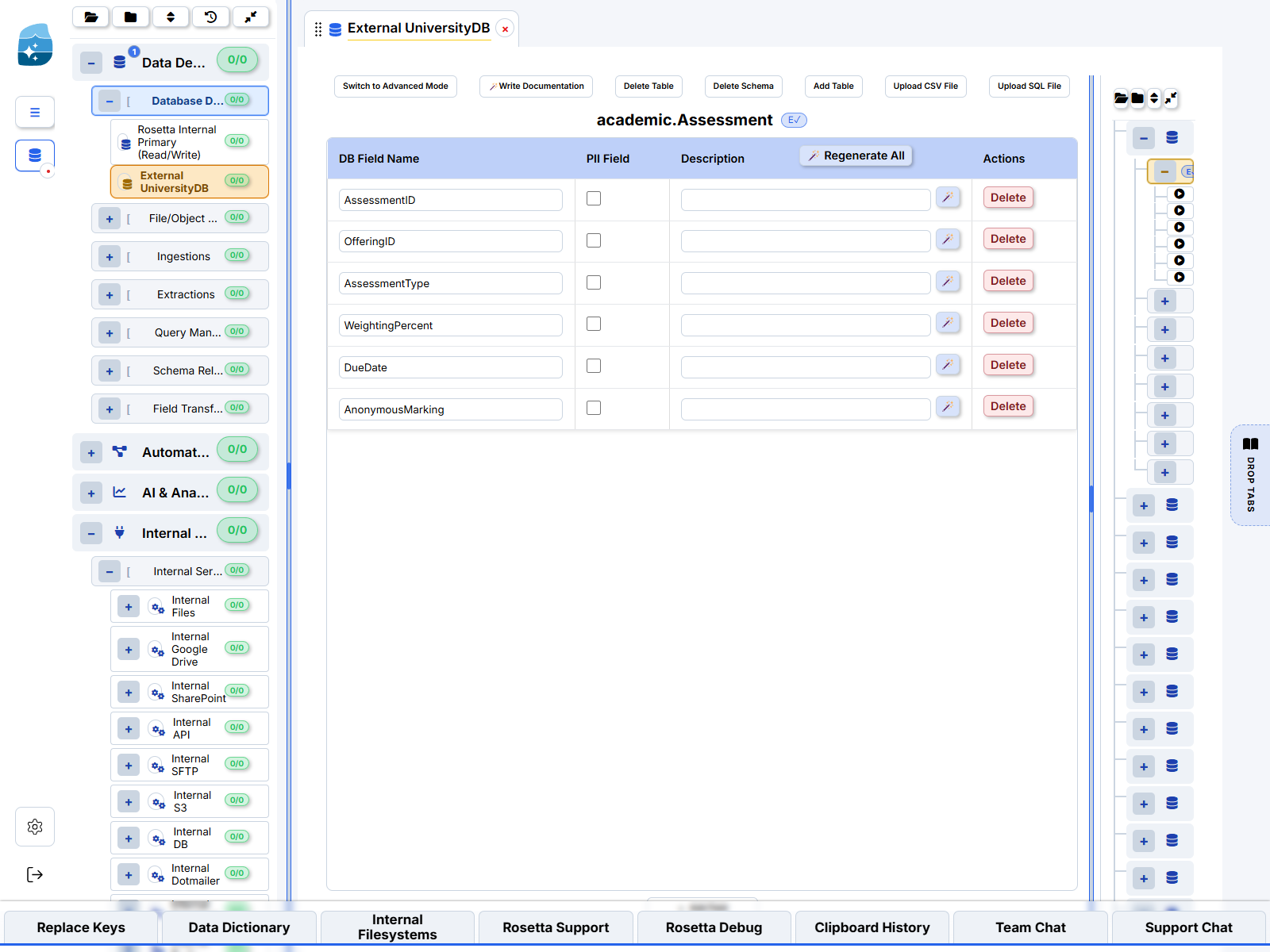
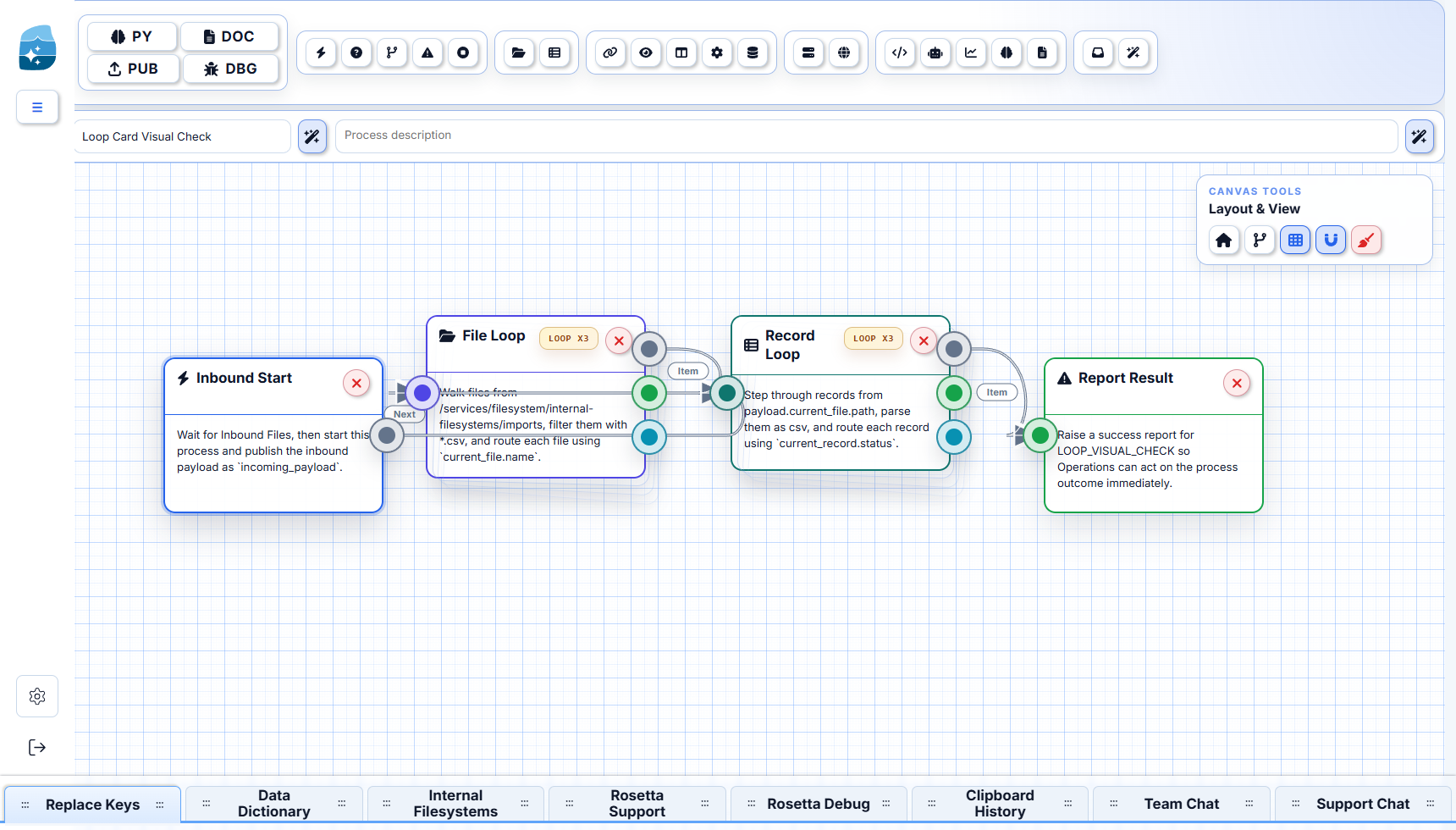
Rosetta Process Designer showing an inbound trigger connected to file and record loops and a report result. Delivery / Process Designer

Real product views · demonstration screens · select to enlarge

Built around your business
  • Software houses
  • Development agencies
  • Integration consultancies
  • Managed service teams

The meaning of DMS has grown

Delivery. Management. Support.
One continuous client relationship.

Rosetta gives your business a shared foundation for creating client systems, operating them and improving them over time. Data management remains part of that foundation. The opportunity is the whole delivery lifecycle.

01 / Create & deliver

Delivery

Turn a client brief into a connected solution: the website or application, the processes behind it, the integrations and the architecture it runs on.

  • Shape requirements and solution designs
  • Build interfaces, workflows and services
  • Reuse patterns across client projects

Build a repeatable delivery practice.

02 / Operate & evolve

Management

Keep client environments, service connections, data flows and operational changes in context as the systems you deliver grow.

  • Organise work around each client and tenant
  • Connect infrastructure and runtime services
  • Manage ongoing change with visibility

Make ongoing management part of the service.

03 / Investigate & improve

Support

Give support teams access to the working context behind a client system, from its data and process logic to service activity and operational history.

  • Monitor activity and investigate failures
  • Trace issues across connected components
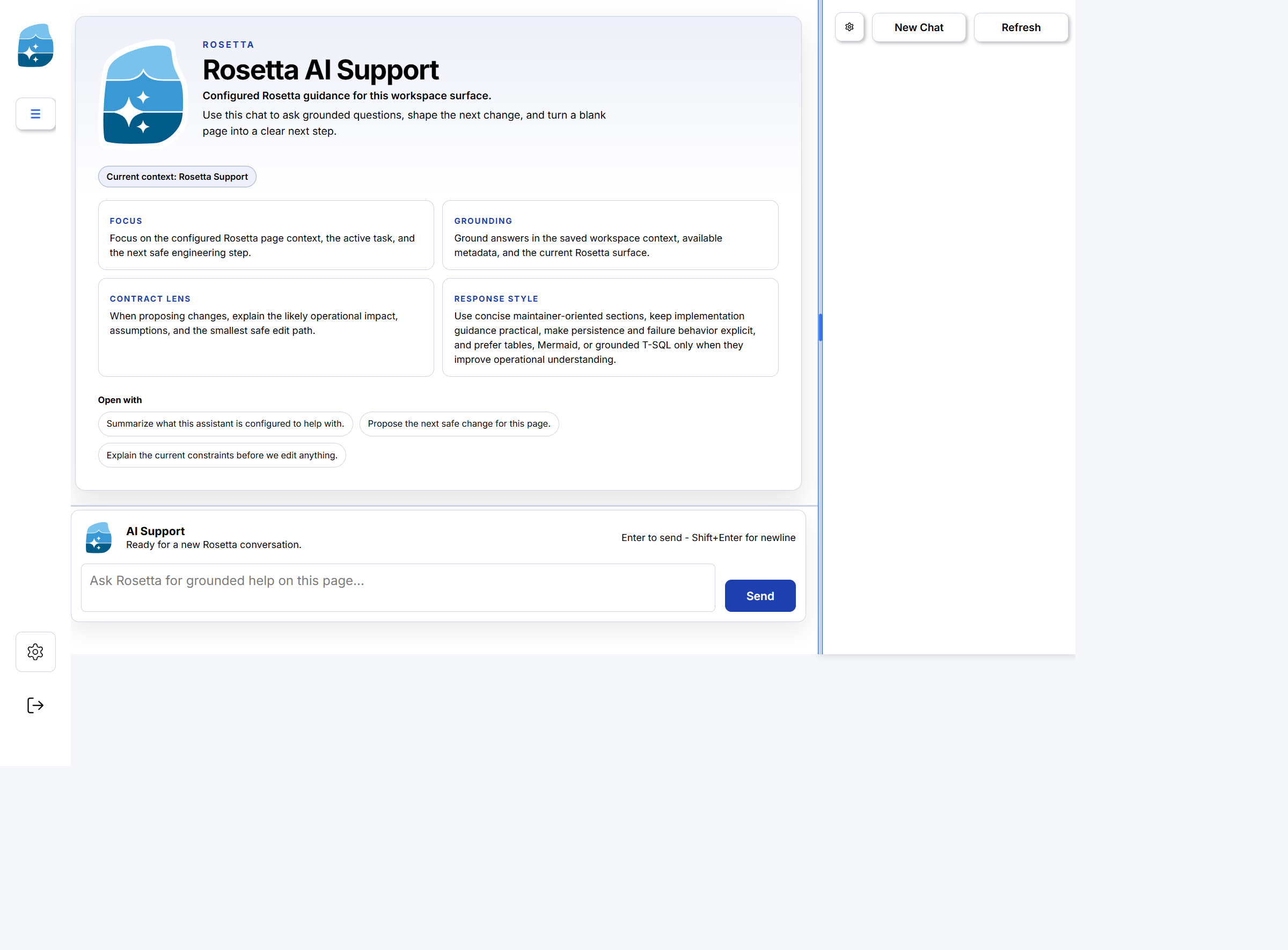
  • Use AI assistance for analysis and explanation

Build long-term support relationships.

Designed for the company delivering the work

The launch is only
the beginning.

Your clients buy a working service. Your team needs to understand how it is built, how it connects and what happens when something changes.

Rosetta connects those responsibilities so the knowledge created during development remains useful in management and support.

Follow a client engagement
01

Carry good work into the next project

Develop reusable processes, integration patterns and components while keeping each client's requirements and configuration distinct.

02

Keep the architecture understandable

Connect the client-facing experience to its data, workflows, services and infrastructure, so delivery knowledge survives handover.

03

Grow the service beyond the build

Use the same working foundation for maintenance, change requests, operational management and contracted support.

A platform for the complete solution

The interface is the start.
Connect everything behind it.

Bring client-facing development and the technical systems behind it into the same delivery conversation.

01 / Experience

Websites, portals & applications

Deliver client-facing experiences backed by operational data and processes. Use dashboards, reports and forms as part of the solution your client actually uses.

02 / Process

Workflows & orchestration

Design process flows, coordinate actions and connect background work. Bring Python processing and SQL workflows into the wider application architecture.

03 / Connection

Data & systems integration

Work across databases, APIs, file transfers, storage and messaging. Keep schemas, queries and transformations close to the services that depend on them.

04 / Infrastructure

Architectures & gateways

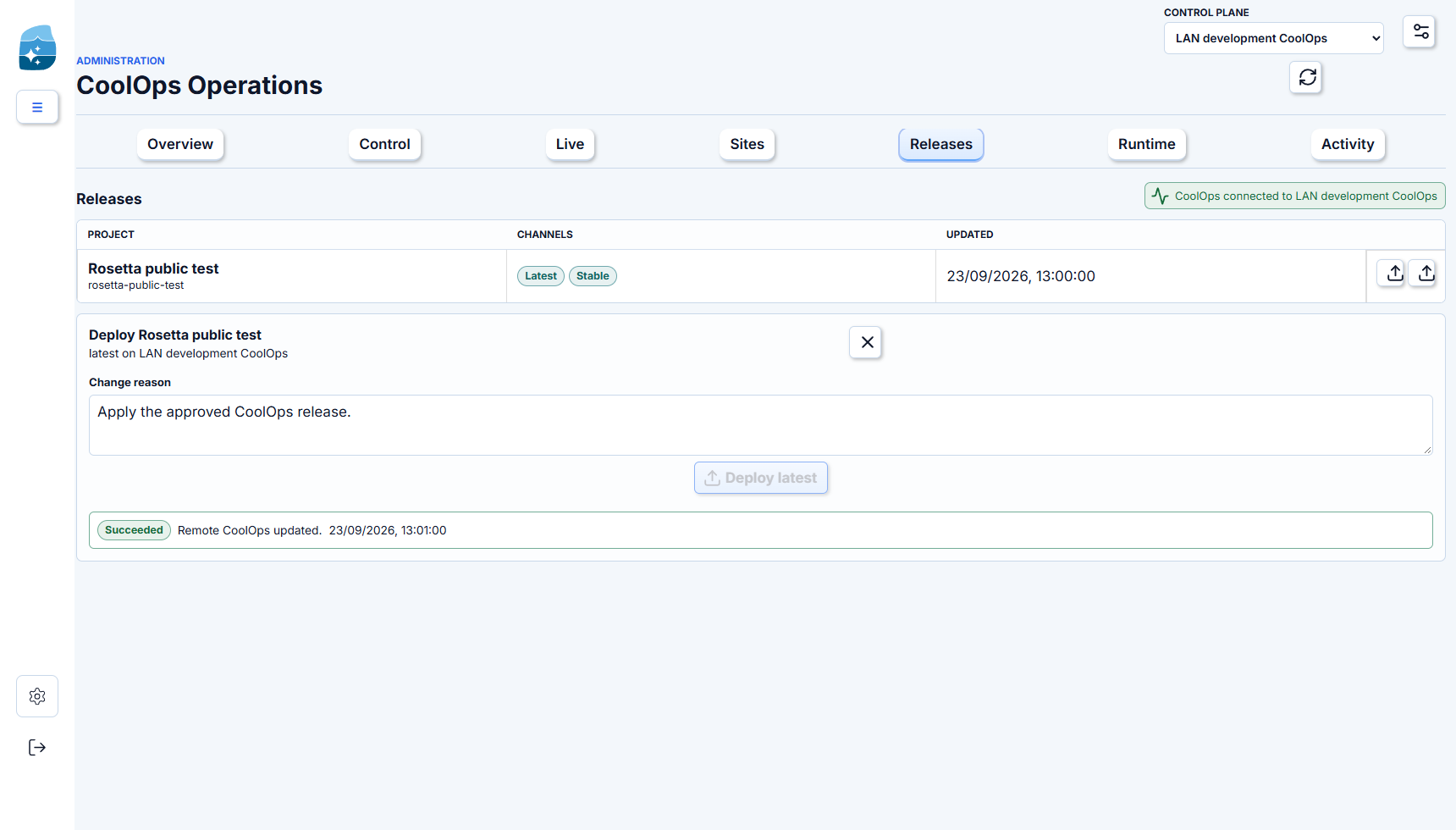
Plan how components run across client environments. Connect distributed services through gateways and bring deployment and infrastructure operations together with CoolOps.

05 / Intelligence

AI-assisted delivery & operations

Use AI for investigation, drafting, process design and support. Shape agent workflows and local or hosted execution around the client's data and infrastructure requirements.

06 / Continuity

Monitoring, audit & support

Keep service activity, execution history and technical context available for investigation. Help the support team understand the system they are responsible for.

A practical technical foundation

SQL · Python · APIs · SFTP · S3-compatible storage · RabbitMQ · Redis

Your workspace. Their solution.

Build for each client.
Operate as one team.

Rosetta is the delivery, administration and support workspace for your people. Your clients use the websites, portals and applications you deliver for them.

Bring the whole architecture into the design: client experiences, integrations, runtime components, hosting requirements and support responsibilities.

  • Rosetta: design, integration, management and support context.
  • CoolOps: deployment, configuration and infrastructure operations.
  • Gateways: connections and runtime services across client environments.

Agree tenant boundaries, hosting, access controls and resilience requirements as part of each deployment design.

How the platform fits your delivery practice
Your software houseDelivery · Operations · Support
RosettaShared delivery & management workspace
CoolOpsDeploy & operate
GatewaysConnect & execute
Client AWebsite & portal

Services · Data · Runtime

Client BBusiness application

Services · Data · Runtime

Illustrative architecture. Each client solution has its own deployment design.

For the people behind the service

A shared platform.
A useful perspective for every role.

From the person scoping the engagement to the engineer handling a support call, keep the client solution in context.

Business owners & delivery leads

Build a service your team can repeat.

Bring discovery, technical delivery and the ongoing service into one engagement. Keep the scope grounded in what your team will build, manage and support.

  • Connect the client brief to the delivery approach
  • Identify components and patterns worth reusing
  • Plan management and support from the outset
Discuss your delivery model
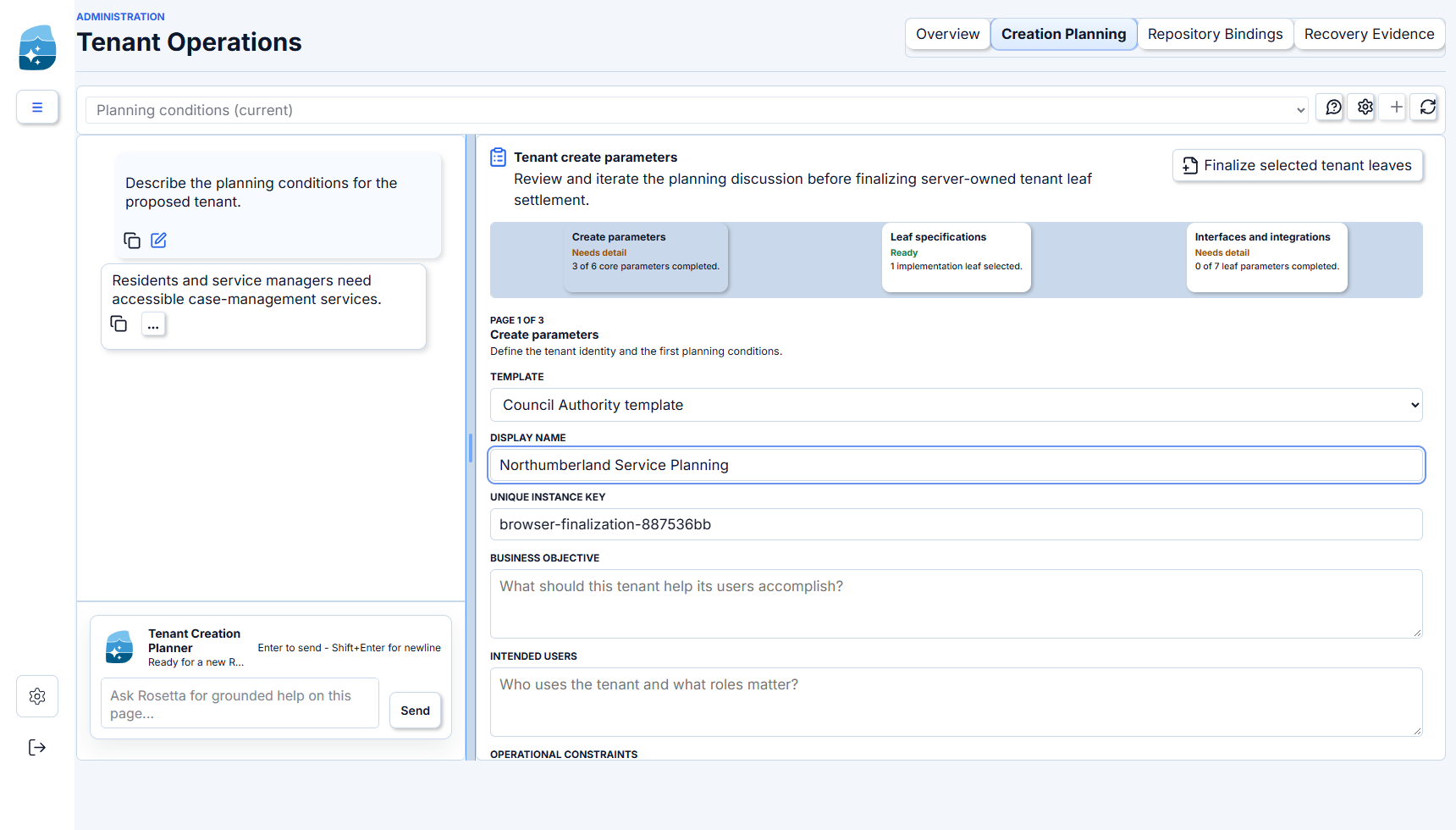
Rosetta Tenant Operations showing a planning conversation beside the tenant creation parameters. Enlarge client planning
Product view: the planning conversation beside the tenant requirements.

Solution architects & technical leads

Design the service behind the screen.

Work through the dependencies between client interfaces, processes, data and infrastructure. Keep the operational design close to the implementation.

  • Map system boundaries and integration requirements
  • Connect process design to data and runtime services
  • Define how the solution will be operated and supported
Explore the architecture model
Rosetta Process Designer showing an inbound trigger connected to file and record loops and a report result. Enlarge Process Designer
Product view: file and record iteration in a visual process.

Developers & integration engineers

Bring the working pieces together.

Connect client-facing outputs to the data and processes behind them. Work with queries, workflows, files and service connections in a shared environment.

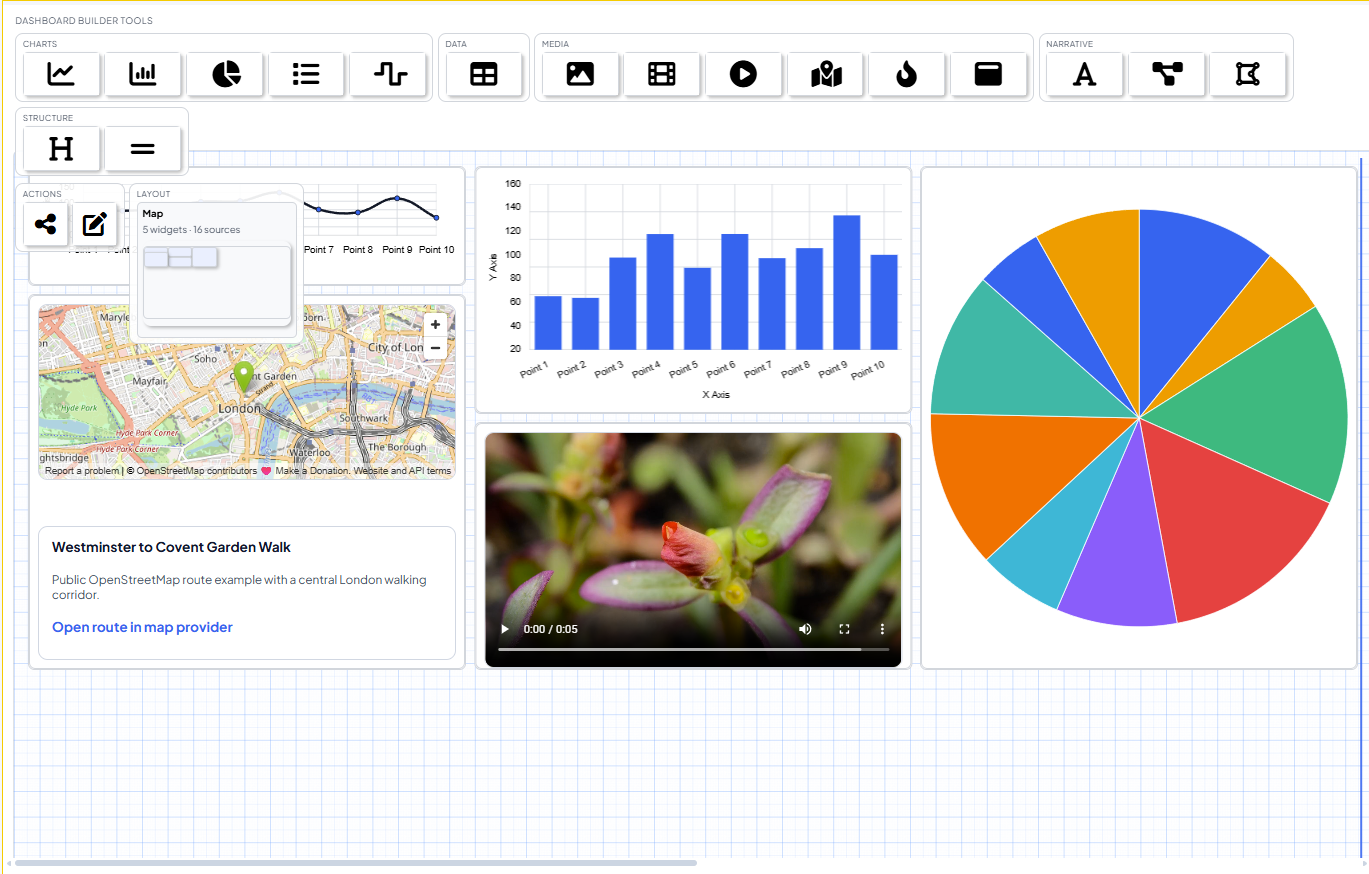
  • Build dashboards, reports and forms for client systems
  • Develop and investigate integrations in context
  • Combine visual configuration with SQL and Python work
Explore delivery capabilities
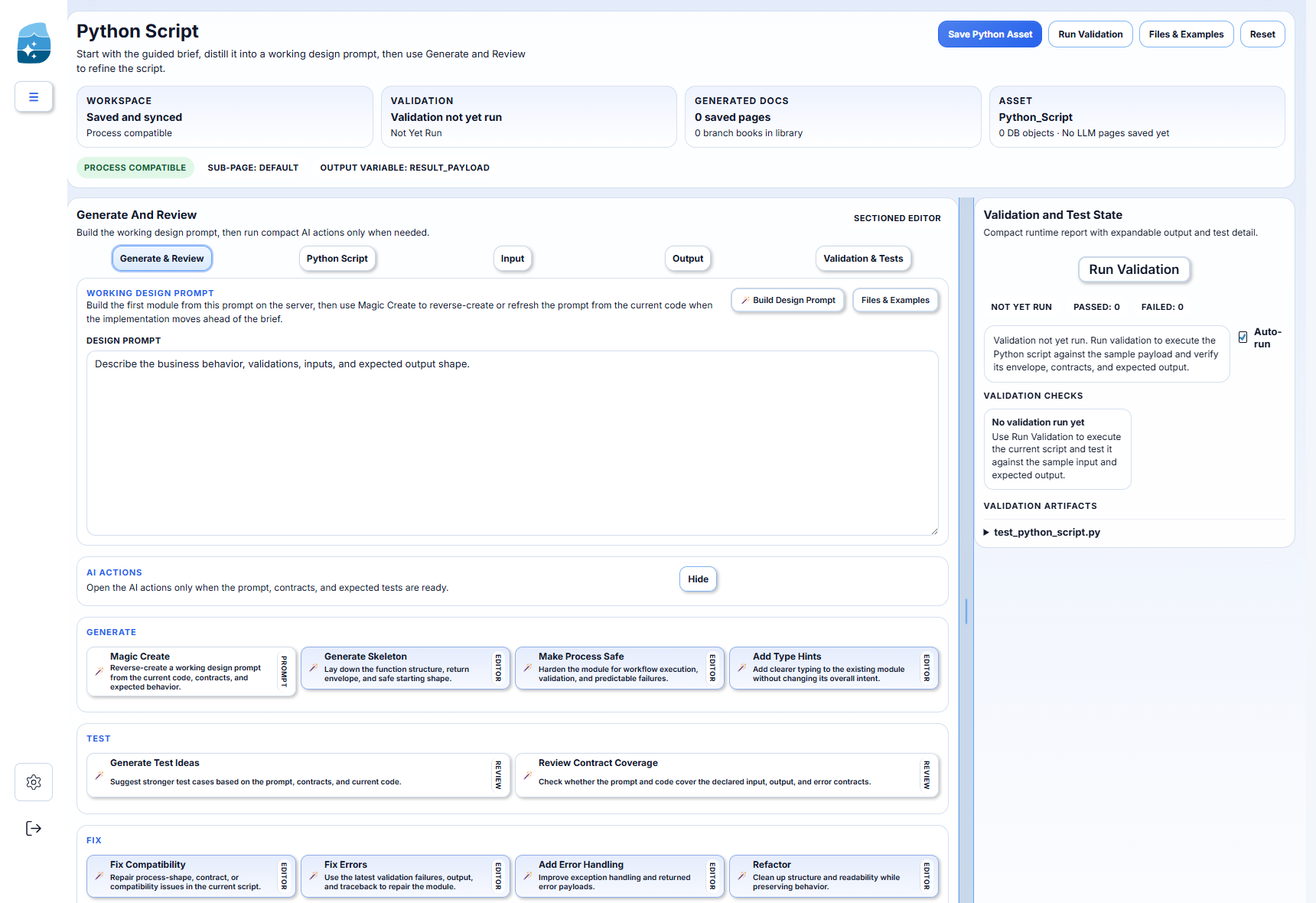
Rosetta Python Script workspace showing design prompts, generation actions and a validation panel. Enlarge Python workspace
Product view: design, generation and validation in the Python workspace.

Operations & support engineers

Investigate with the system in view.

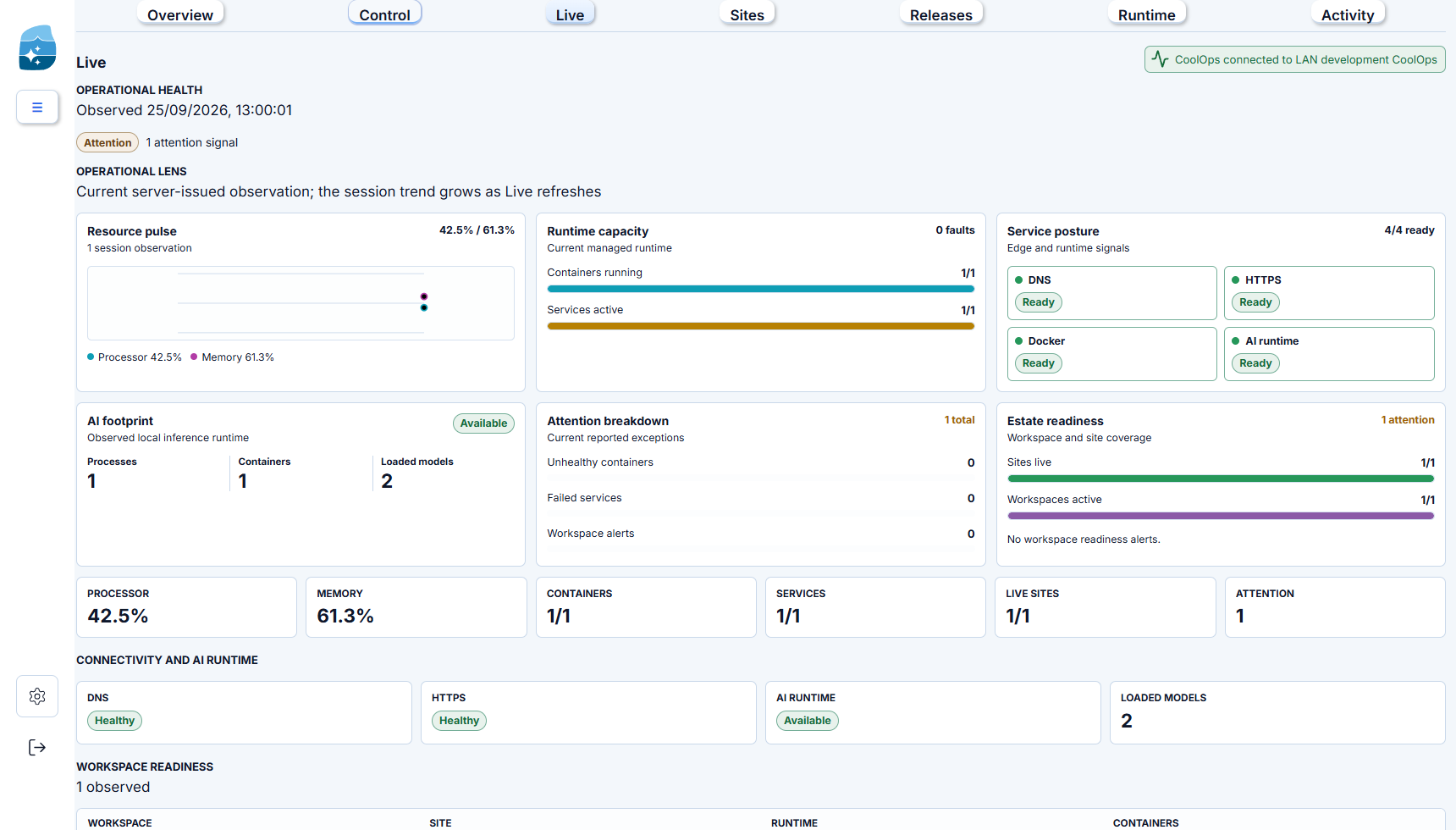
Start with service activity, execution history and the context behind a client environment. Connect the reported issue to the components that need attention.

  • Review operational status and event history
  • Inspect the data and processes involved
  • Use AI assistance to support investigation and explanation
Discuss your support practice
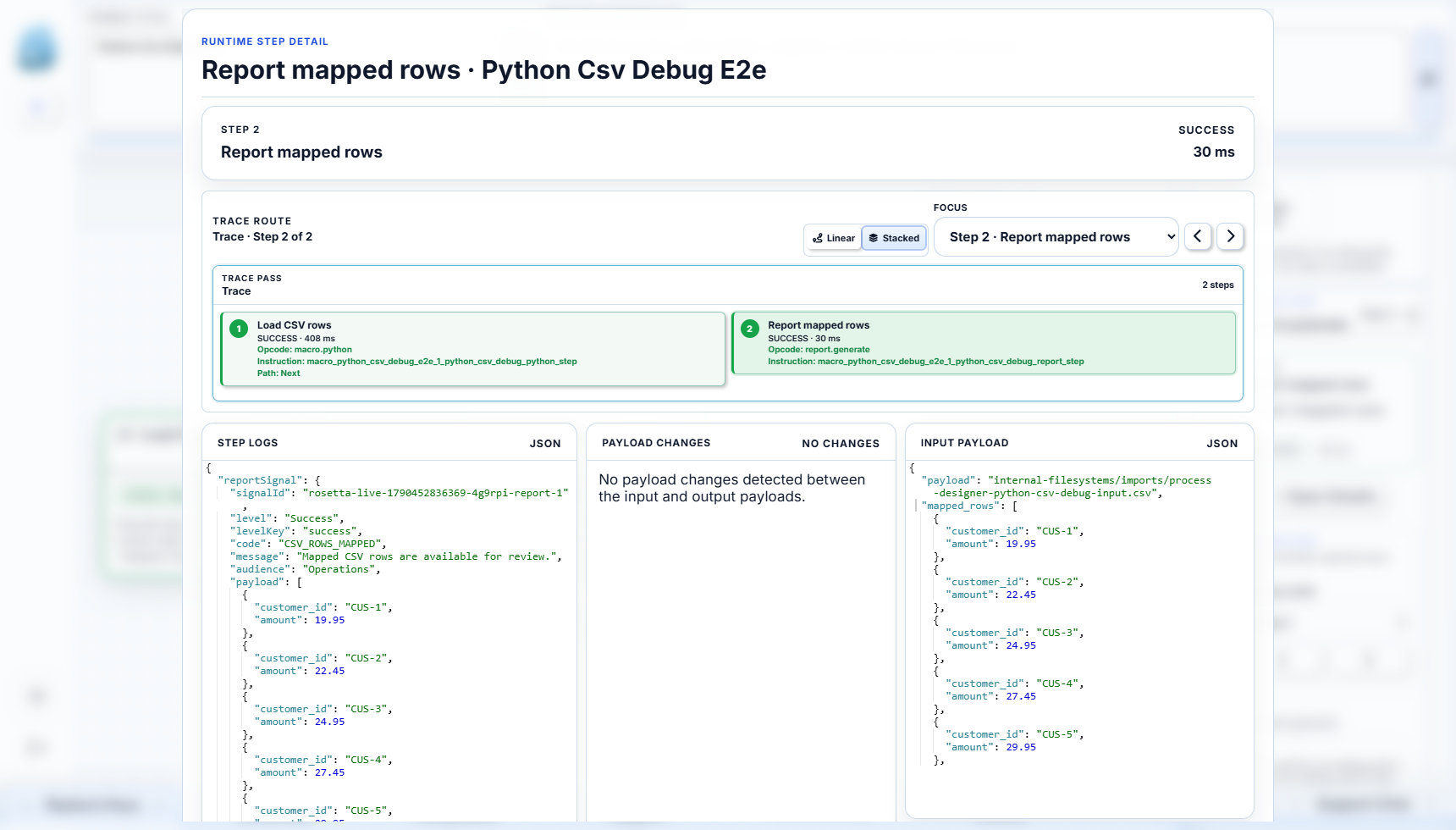
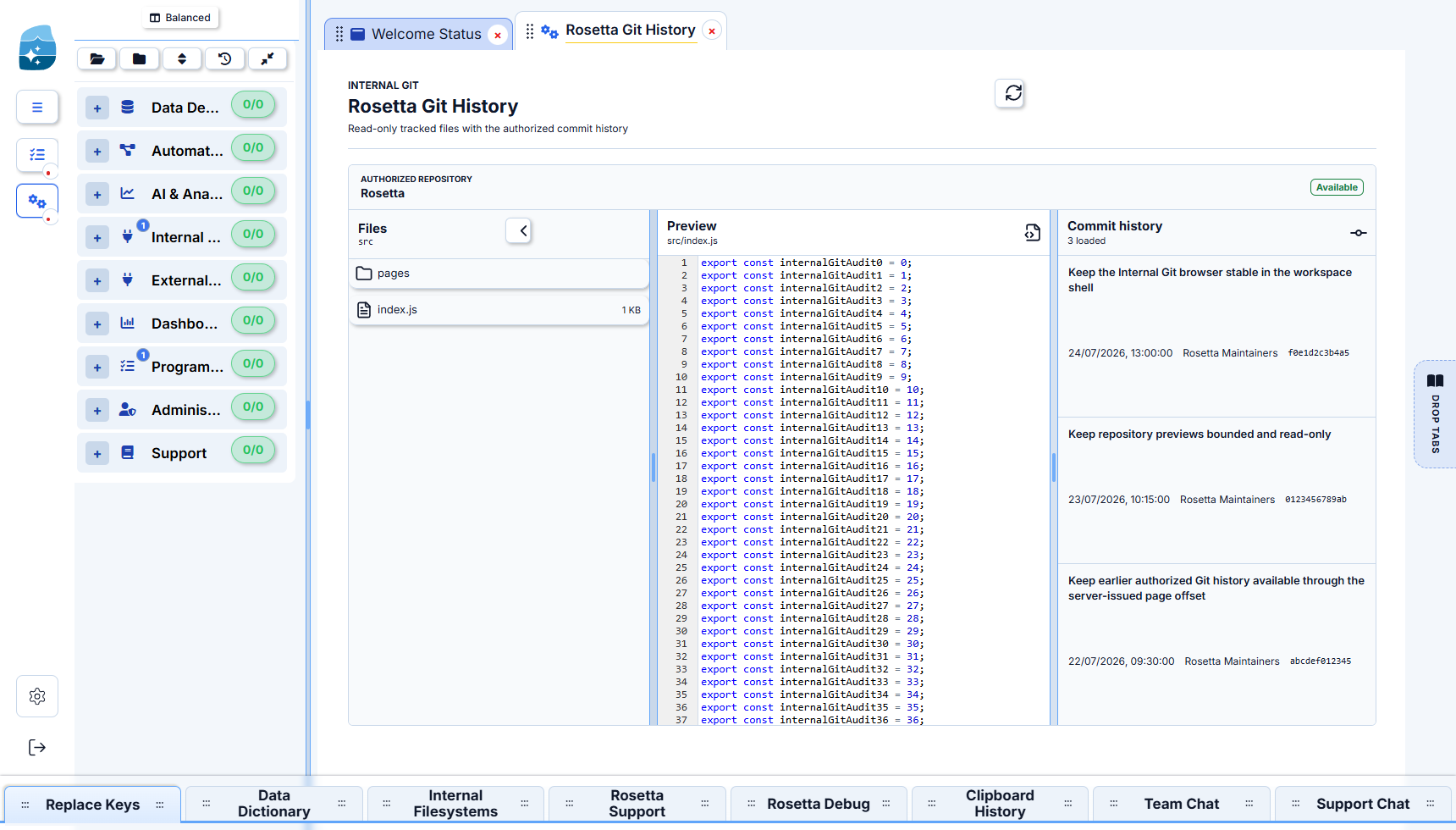
Rosetta runtime step detail showing a CSV-processing trace, step logs and example input records. Enlarge runtime trace
Product view: trace details, execution logs and example payloads.

Screenshots show Rosetta demonstration and test workspaces. Explore more product views, or ask for a walkthrough of the components relevant to your project.

An example engagement

A client asks for a portal.
You deliver the service behind it.

An illustrative project for a software house: a client needs a website and customer portal connected to their existing business systems.

Start with a real piece of work

Your next client project.
A foundation for the ones after it.

Bring a new build, an integration challenge or an existing client estate. We can work through where Rosetta fits your delivery practice and what an initial adoption should include.

  1. Choose the first engagement

    Identify the client problem, the systems involved and the result your team needs to deliver.

  2. Agree the architecture and scope

    Review the required components, hosting, security, AI usage and support model. Confirm availability and implementation work.

  3. Build a repeatable service

    Use the engagement to establish patterns for delivery, operational management and ongoing support.

A few practical questions

Is Rosetta right
for your business?

Who is Rosetta for?

Rosetta is aimed at software houses, development agencies, systems integrators and technical service providers. The primary users are the people designing, building, managing and supporting solutions for clients.

What does DMS stand for now?

Delivery – Management – Support. Rosetta has grown from its data management foundation into a platform for the full client solution lifecycle. Data integration and governance remain central to that wider role.

Can we use it for websites as well as larger systems?

Yes. The scope can start with a client website or portal and extend to applications, integrations, automated processes and the architecture behind them. The right mix of Rosetta components and custom development depends on the project.

Do our clients use the Rosetta workspace?

Your delivery, administration and support teams use the Rosetta workspace. Client users interact with the websites, applications and operational interfaces you provide. Access and deployment boundaries are defined for each solution.

How do Rosetta, CoolOps and gateways fit together?

Rosetta provides the design, integration and operational workspace. CoolOps covers deployment and infrastructure operations. Gateways provide distributed connections and runtime services. Together they support a delivery architecture shaped around the client's environment.

Is AI required for every part of the platform?

No. AI assists selected work such as investigation, drafting and process design. Your team can still work directly with data, services and workflows. Local or hosted AI requirements should be agreed against the available deployment configuration.

How do we discuss pricing and getting started?

Start with your team, the first client engagement and the services you intend to provide. We will discuss the required components, deployment, onboarding and support before agreeing the commercial scope.

Let's talk about your delivery practice

Bring the next client brief.

See how Rosetta could support the website, the systems behind it and the service you deliver after launch.

Request a project walkthrough

Or email glyn@altcom.co.uk

Useful starting points

  • What your software house builds and supports
  • The client project or estate you have in mind
  • The systems and hosting involved
  • Where delivery or support needs to improve

The enquiry link opens your email app so you can review your message before sending.